Photo, barcode or manual entry: how to log food
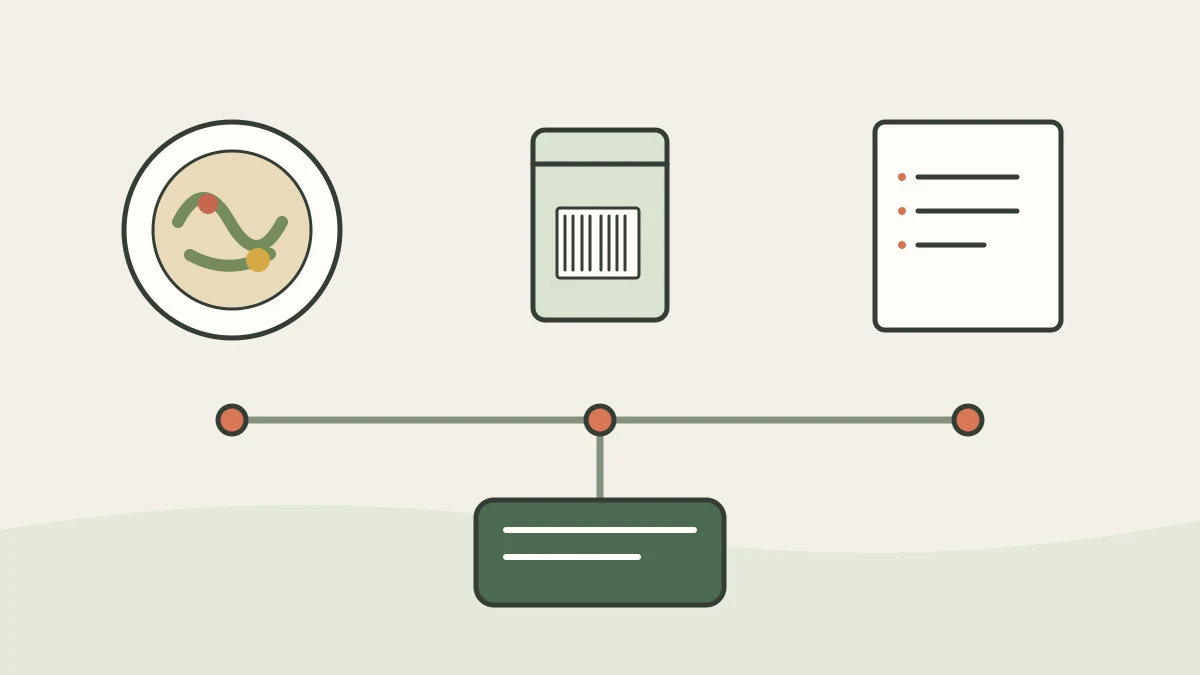
Start with a photo for a prepared dish and a barcode for a packaged product. If you need the values from your own package, enter them manually, then check the portion and recognized values.
Prepared dish: start with a photo
A photo is convenient when the meal is already on the plate: a home cooked lunch, a salad with several ingredients, or a restaurant dish. It can show visible ingredients and give a rough sense of volume, but it cannot reveal hidden ingredients, exact weight, or the amount of oil used. Treat the result as an estimate and adjust the name or portion if the app allows it.
Take the picture from above or at a slight angle so ingredients and the plate edge are visible. If the plate contains several distinct dishes, logging them separately may be clearer. A restaurant dish with an unknown recipe remains an estimate.
Packaged product: scan the barcode and check the package
A barcode can help find a product record in a database. The code identifies the item; ingredients and nutrition values are stored separately. A scan may therefore return the matching record, an incomplete record, or no result.
Check the name, variety, package size, and current label. Nutrition values may be given per serving or per 100 g. The FDA explains that label values refer to the declared serving size and that a package can contain multiple servings: FDA guide.
Use the label in front of you: enter values manually
Manual entry is useful when the product is missing, the record looks outdated, or you want to use the figures on your specific package. Copy the values and their basis, such as per 100 g or per serving, then enter the amount you ate.
Check decimal places and units. Confusing grams with kilograms, or per-serving values with values per 100 g, changes what the entry means. For prepared food, check whether the numbers describe the dry product, the prepared product, or the food as eaten.
Choose at a glance
| What you have | Start with | Check |
|---|---|---|
| A plated dish | Photo | Ingredients, portion, oil, and sauces |
| A sealed package with a readable code | Barcode | The variety and label match |
| Product missing or record differs from the package | Manual entry | Values, units, and calculation basis |
| A plain unpackaged ingredient | Manual database selection | Food state and portion |
This is not an accuracy ranking. A photo describes what is visible, a barcode links a package to a record, and manual entry lets you choose which values to use. None of the methods confirms by itself that the portion or record is correct.
Frequently asked questions
- Which is faster, a photo or a barcode?
- It depends on the food and whether a suitable result appears. Try a photo for a plated dish and a barcode for a package; if the result does not match, correct it or enter the values yourself.
- Does a barcode show the ingredients?
- The code identifies the product. The ingredient list is in the product record or on the package and needs to be checked.
- What if the product is not in the database?
- Copy the information from a readable label, or choose a suitable record for a plain ingredient and check its state and portion.
Read next
- How a neural network recognizes food in a photo — A photo of a plate turns into a number on the screen in a few seconds, and from the outside, it looks like a measurement.
- Barcode on packaging: what is encrypted in it and what is not — There is a persistent belief about barcodes: that you can supposedly tell the country where a product was made from the first digits, and verify its authenticity from the rest.
- How to determine portion size without a scale — Portion weight is the most inaccurate variable in any calculation, including analysis by photo.
This article is for general information. It is not medical advice, a diagnosis, or a prescription for treatment or a diet, and it does not replace a consultation with your doctor. If you have a health condition, are pregnant, take medication, or follow a diet prescribed to you, decisions about food belong with your doctor.
Figures from regulations, guidelines and studies are given as they stood when this article was prepared and may since have changed; check them against the primary sources. This article is not advertising, an offer, or individual advice, and neither the author nor the site owner is responsible for decisions taken on the basis of it.