Gas-station snacks: how to log food quickly
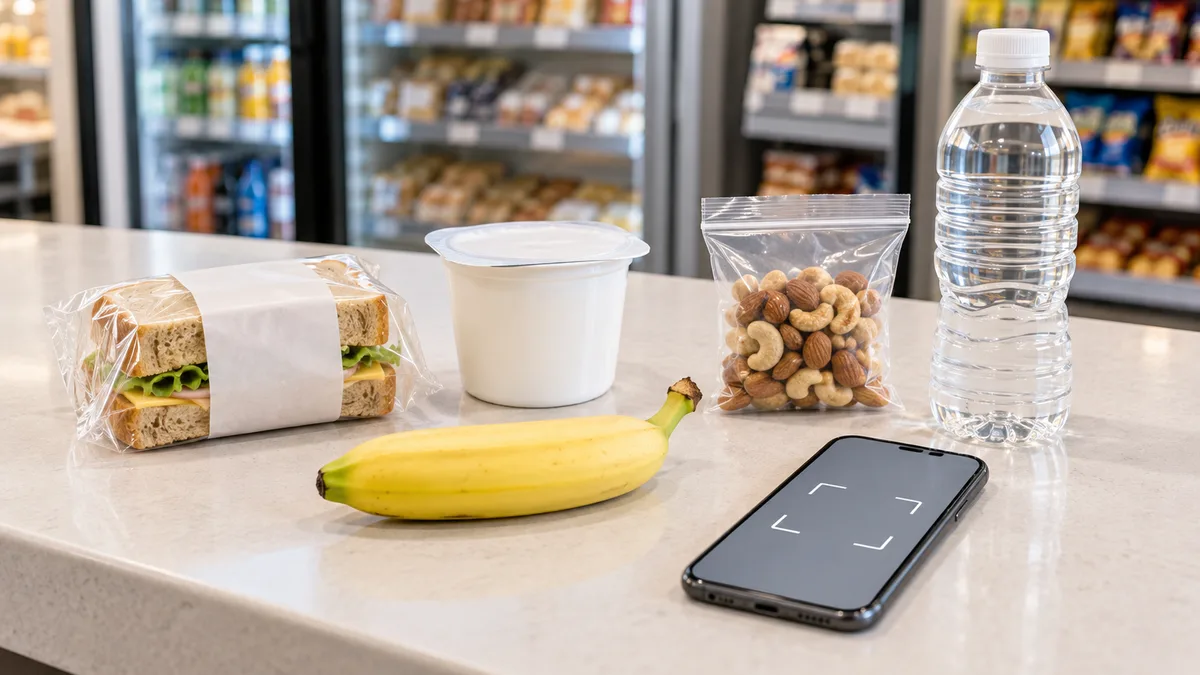
At a gas station, there is no time to examine the shelf or weigh food. You can still log a snack without guessing: use the label or barcode for a packaged product, and take a photo for unlabelled hot food. The main thing is not to mix up these two cases.
First divide the display into two types of food
One counter can hold a bottled drink, yogurt, a bar, a factory-wrapped sandwich, and a hot dog from the heated display. They look like one snack, but they have different sources of data for logging.
Check a packaged product by its label first. As of September 10, 2026, mandatory information and exceptions are listed in TR TS 022/2011: some products may legally have no nutrition table or ingredient list. When the weight, ingredients, and values per 100 g or 100 ml are given, a barcode can help find the item in a database and the package can verify the result. If there is no entry, photograph the whole label or enter the data manually. The article on nutrition labels explains how to read these lines.
Hot food without labelling includes a hot dog, a pizza slice, pastry from a warm display, a salad, or coffee prepared in front of you. A barcode on the price tag does not describe the dish’s composition: it may be an internal checkout code. Photograph the dish itself. This gives you an estimate of what is in your hands rather than a similar product from a database.
What to take from a package in thirty seconds
You do not need to read all the fine print. For a diary, four things are enough: the name, net weight, calories per 100 g or 100 ml, and the number of packages. If the app has data from a barcode, use the label as a check that the flavour, size, and product version match.
- Start with the linear barcode on the package itself. It is a product-item number that can be used to look up a database entry; finding one is not guaranteed. A code on the price tag may be an internal store code, while a square labelling code serves a different purpose.
- Check the weight. The same drink may come in 250, 330, and 500 ml bottles, while a sandwich may have a standard and a larger version. Matching names do not mean matching servings.
- Compare the calorie information. If the database shows a different flavour or nutrition table, the number on your package takes priority. The article on barcodes on packages explains why a database and package can sometimes differ.
- Log what you ate. If you save part of the product for later, do not log it in advance. You can add the whole item and then adjust the serving.
Milky coffee, drinkable yogurt, juice, or sweet tea are logged separately from food. Coffee from a machine has no single item card: volume, milk, and syrup change the result. It is better to photograph it separately, then adjust the name and serving and enter additions manually; the article on coffee-shop calories has reference points for different drinks.
When a barcode will not help
A barcode does not contain a recipe or calorie content by itself—it is only a lookup number. Recognition can therefore fail even when the camera reads the bars correctly. Common reasons include a new product, changed weight or ingredients while the database still has an older version, a product made for one chain only, or a code printed on a checkout sticker.
Do not spend time on this at the checkout. If you have a package, photograph the front and the nutrition table, or save the photo to log at the next stop. The label’s data applies to the packaged product, so it is more precise than a generic item card. The article “Barcode on a package” explains what is encoded in the number and why an item may not be found.
How to log a hot dog, pastry, and other display food
There is no one correct number for a heated display. Two hot dogs can differ in sausage size, amount of sauce, and bun; pastry fillings vary; pizza differs in crust thickness and slice size. So it is not worth selecting an “average hot dog” from memory and treating it as an exact result.
Photograph the dish from above and from the side while its size and filling are visible. If sauce is served separately, photograph it beside the food or add it as a separate entry. For food in a closed box, it is enough to lift the lid: the main parts should be visible in the photo, not the brand on the packaging.
If there is a card nearby with the name and weight, photograph that too. It will not turn the dish into a labelled product, but it can help distinguish a small serving from a large one. Prepared food sold by weight or from a display always remains an estimate: the recipe and actual serving may differ. The article on ready meals sold by weight covers these limits in more detail.
A quick scenario for a stop
| What you bought | How to log it | What to check |
|---|---|---|
| A bar, yogurt, water, or a bottled drink | Scan the barcode | Flavour, weight, and number of packages |
| A factory-wrapped sandwich or salad | Scan it and photograph the label if needed | Weight and table per 100 g |
| A hot dog, pastry, or pizza from the display | Photograph the dish | Filling, sauce, and serving size |
| Coffee or tea from a machine | Photograph the cup, then adjust the name and serving | Volume, milk, and syrup |
This sequence is useful because it is fast. You do not need to recognize a package as a dish, and you do not need to look up an unlabelled dish by a code it does not have. At a stop, one photograph or one scan is enough; you can refine the entry later.
Do not turn one snack into several duplicate entries
The most common error here is not the number but a duplicate: first a sandwich is scanned, then the same sandwich is photographed, then coffee is added with the set and again separately. Before saving, look at the list: one physical product should appear there once.
A set with coffee and pastry is best split into parts when they have different labelling. Log a packaged muffin by barcode and the coffee by photo or manually. That makes it easier to see what was in the snack later, without having to guess which item card refers to which part.
If the number is approximate, that is not a reason to abandon the entry. Choose one clear method and do not present an estimate as label data. This is a normal limitation for restaurant and other prepared food; the article on calories in restaurant dishes explains why.
In short
- For a factory-packaged product, scan the barcode first and compare the weight with the package.
- For hot food without a label, photograph the dish, including sauce and drink.
- Do not look up food from a display by barcode: a checkout code does not replace a recipe.
- Log each part of the snack once, even if you captured it in several ways.
Frequently asked questions
- How do I count calories in a gas-station snack?
- Log a packaged product by barcode and compare its weight with the label. Photograph hot food without packaging: it has no single item card that accounts for its size, filling, and sauce.
- Why is a product not found by barcode?
- A barcode is a product number, not a set of nutrition data. The database may not contain a new version, an item for a particular chain, or a product whose weight has changed. In that case, save a photo of the label and log its data.
- Can I scan the code on a hot-dog price tag?
- Usually not. It may be an internal checkout code that does not describe the recipe or serving. For a hot dog, pastry, or pizza from a display, a photo of the dish is more useful.
- How do I log coffee from a gas-station machine?
- Photograph the cup, then adjust the name and serving and enter milk or syrup manually if they were added. The calorie content depends on the recipe and cup size.
Read next
- Barcode on packaging: what is encrypted in it and what is not — There is a persistent belief about barcodes: that you can supposedly tell the country where a product was made from the first digits, and verify its authenticity from the rest.
- Calories and macros on the label: why the numbers don't match reality — The same buckwheat in three different apps gives three different calorie counts, and the package shows a fourth.
- Ready-to-eat food by weight: how to find calories without a label — Regulations require four lines on a deli salad container: name, production date, shelf life, and storage conditions.
- Calorie content of coffee shop drinks: where the difference hides — In a coffee shop, calories are often hidden in the cup rather than in the food next to it.
This article is for general information. It is not medical advice, a diagnosis, or a prescription for treatment or a diet, and it does not replace a consultation with your doctor. If you have a health condition, are pregnant, take medication, or follow a diet prescribed to you, decisions about food belong with your doctor.
Figures from regulations, guidelines and studies are given as they stood when this article was prepared and may since have changed; check them against the primary sources. This article is not advertising, an offer, or individual advice, and neither the author nor the site owner is responsible for decisions taken on the basis of it.