Big Special: check calories and macros for the whole order
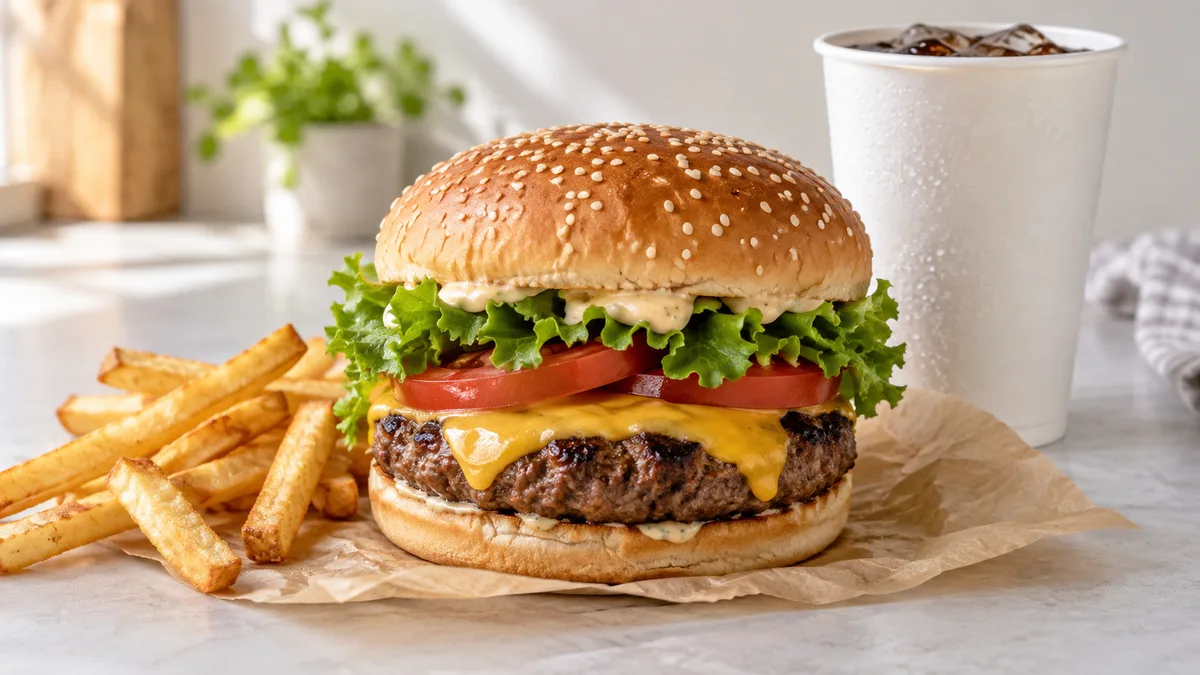
Use the nutrition card for the exact Big Special burger you select, then count the full order separately: fries, drink, sauce and extras. The burger’s calorie figure does not include everything on the tray.
Find your exact burger variant first
Open the official Vkusno i tochka menu or the chain’s app and select your city. The chain says assortment and prices depend on the selected region and can differ at individual restaurants. Copy the complete product name, including any variant description.
Check that you are viewing the individual burger you ordered. The menu contains individual items and bundles; a “Combo” entry concerns an order with selected components. Figures for another version cannot automatically be transferred to yours. The menu access date for this article is October 3, 2026.
Searching for “Big Tasty calories” does not replace the Big Special card. An older name in a search does not verify the current item’s weight, recipe or nutrition. Use the full name from your receipt and information matching that order.
Four fields to take from the card
| Field | Record | Check |
|---|---|---|
| Name | The full burger variant | It matches the receipt |
| Weight | One prepared serving | Not the bundle or packaging |
| Energy | kcal and calculation basis | Per serving or 100 g; not kJ |
| Macros | Protein, fat and carbohydrate | The same serving basis as calories |
For per-serving data, enter the figures directly. For per-100-g data, multiply each figure by the burger’s weight and divide by 100. An illustrative 300 g food at 250 kcal per 100 g has 750 kcal. This demonstrates the formula and is not a stated Big Special calorie count.
Apply the same calculation to macros. An illustrative 12 g protein per 100 g gives 36 g in a 300 g portion. Do not mix per-serving calories from one table with per-100-g fat from another. Save the card or link with its date if you will reuse the entry.
Break the receipt into separate lines
Identify the burger, fries size, drink size, separate sauces, dessert and additions on the receipt. Find nutrition information for each selected serving. A small fries card does not describe a large portion, even when the food name is the same.
Add calories and each macro separately. First calculate the whole order, then record what you actually ate. If you shared fries, enter your share. A sauce container that remained closed was not consumed.
| Component | Quantity source | Entry |
|---|---|---|
| Burger | Selected variant’s card | One serving or eaten fraction |
| Fries | Receipt size and item card | Your share of that portion |
| Drink | Name and volume | Data for that volume |
| Separate sauce | Container weight and label | The amount actually used |
| Additions and dessert | Options on the receipt | Separate if not already included |
The broader method is covered in counting fast food orders. Here the task is to match one Big Special card with every component of the particular receipt.
An illustrative total, not current menu data
Suppose your selected serving cards show 750 kcal for a burger, 300 for fries, 180 for a drink and 70 for sauce. These are hypothetical figures for checking arithmetic, not the chain’s nutrition data. Eating everything gives 750 + 300 + 180 + 70 = 1,300 kcal.
If you split the fries equally and leave the sauce unused, the same illustrative data gives 750 + 150 + 180 = 1,080 kcal. Weigh your share of fries when you need to divide precisely. Without scales, mark the fraction as an estimate rather than treating it as a measurement.
When comparing two orders, change one line at a time. Keep the burger and compare fries sizes or drinks. This shows which choice changes the sum without requiring an entirely different meal or food you do not enjoy.
When sauce is included and when it is separate
Sauce inside the standard burger belongs to that item’s recipe. Do not add it again when using the burger’s nutrition card. A separate dipping sauce needs its own entry unless it is already included in the bundle total.
For extra cheese, added sauce or a removed ingredient, check whether the app updates nutrition after customization. Without values for the change, subtracting “about one spoonful” remains an estimate. Keep the standard entry with a customization note instead of inventing precise figures.
See sauce calories for container weights and label calculations, including partially used portions.
Use photos and saved entries with their limits
A tray photo can help you remember what you ordered and the package sizes. For a named chain item, the chain’s data is more useful than estimating from appearance: a picture does not show the patty’s weight or sauce under the bun. The menu and receipt give names to find the relevant cards.
Check the variant, sizes and additions when ordering again. Create a new entry if the name or composition changes. A burger can be logged like another meal; its calorie count does not require skipping the next meal or compensating with exercise.
Frequently asked questions
- How many calories are in Big Special?
- Check the exact burger’s card in the official menu for your city. Determine whether values are per serving or 100 g; the latter also needs serving weight.
- Can I log Big Tasty and Big Special identically?
- An older search name does not verify the selected product’s nutrition. Use the item on your receipt.
- Does the burger calorie count include sauce?
- A standard burger card covers its recipe. Count a separate dipping sauce additionally unless it is already included in a bundle total.
- How do I count a whole Combo?
- Add the selected burger, fries, drink and consumed extras. Do not add components again to an existing full-bundle total.
Read next
- Calories in fast food: how to choose your order at Russian chains — The calorie content of a fast food order is determined less by the chosen dish and more by portion size, drink, and sauces: the same dish may have two values in the chain’s nutritional table that differ by nearly twofold.
- Sauce calories: mayo, ketchup, cheese, garlic, and teriyaki by the spoonful — A tablespoon of sauce can add 20 kcal or 90 kcal to a meal.
- How to count calories in a restaurant and with food delivery when there is no recipe — A home-cooked meal can be calculated by its ingredients, and packaged food can be checked on the label.
This article is for general information. It is not medical advice, a diagnosis, or a prescription for treatment or a diet, and it does not replace a consultation with your doctor. If you have a health condition, are pregnant, take medication, or follow a diet prescribed to you, decisions about food belong with your doctor.
Figures from regulations, guidelines and studies are given as they stood when this article was prepared and may since have changed; check them against the primary sources. This article is not advertising, an offer, or individual advice, and neither the author nor the site owner is responsible for decisions taken on the basis of it.