Barcode ingredient scanners: what they show and how to check a product
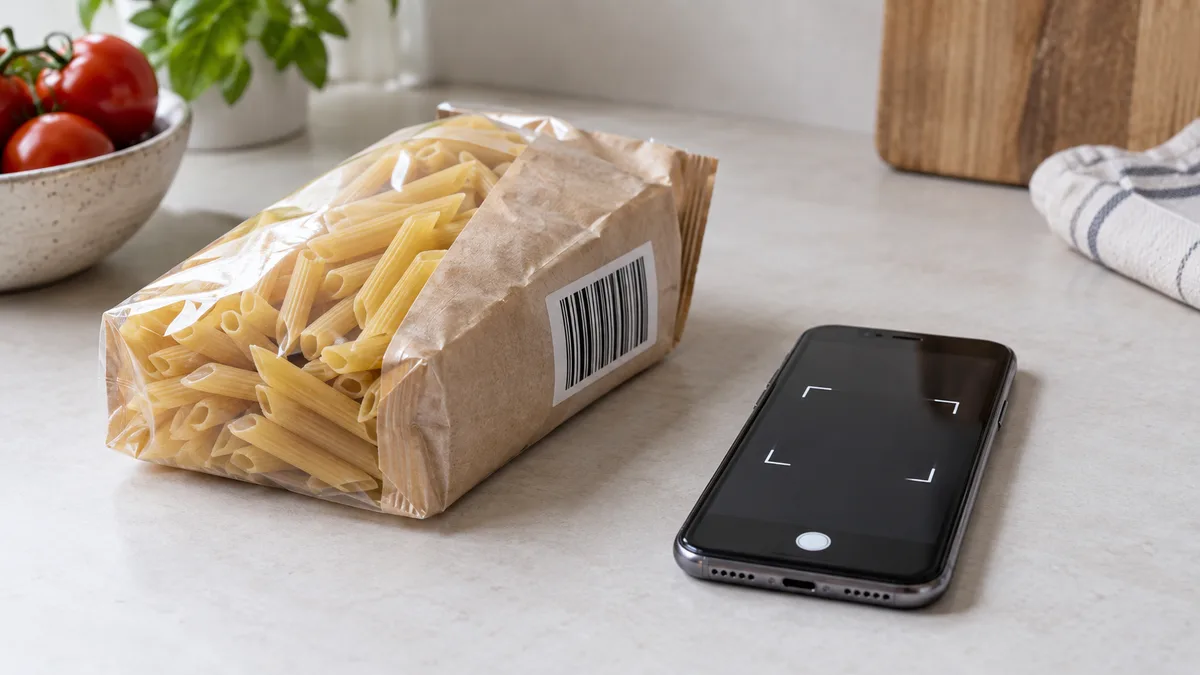
An ingredient scanner looks up a product by barcode and displays information found in its sources or read from the label. The number itself does not contain an ingredient list. To check the package in your hand, compare the returned name, ingredients and nutrition with that package.
Open the scanner and photograph your package code
Open FoodGPT’s barcode mode. Position the package so the whole code is visible without glare or a sharp bend. If the camera cannot read the bars, try a different angle or lighting. Keep fingers clear of the numbers and edges.
Check that you are reading the product’s own code. A shelf price label may belong to the neighbouring package. A box may carry both a linear barcode and a square traceability code; the result depends on which one enters the frame.
GS1 standards describe ordinary UPC/EAN product barcodes as carrying a product identifier. The application uses that number to search its data sources. The barcode information guide explains code formats; here the task is to check the returned product record.
Match the name, variant and package
Compare the record with the front of the package: product name, brand, flavour, fat percentage and weight, where shown. A similar name is insufficient. Plain yogurt and fruit yogurt should be checked as separate products.
A matched product may have ingredients, calories, protein, fat and carbohydrate information. Extra fields such as sugars, salt or fibre appear when data is available. Records vary in completeness: finding a name does not establish every nutrition value.
When a value is missing, read the corresponding package panel. A blank sugars field does not mean zero sugar, and a missing ingredient list does not make a food “clean”. A value marked as estimated retains uncertainty; do not treat it as a laboratory measurement of this particular batch.
Compare ingredients with the back of the package
Find the ingredient list and compare it with the record. Check nested ingredients: a filling, sauce or coating may have its own list in parentheses. If part of the text is difficult to read, photograph it separately in even lighting.
FoodGPT uses the available ingredient text to identify E-number additives. Its output therefore depends on the completeness of that text. A shortened record cannot reconstruct every line on the package. When a specific additive interests you, first locate it in the actual ingredients, then read its reference information.
Compare two foods in the same order: product identity, ingredients, nutrition and the amount you intend to eat. Do not judge solely by the length of the ingredient list or the number of E-numbers. An additive name identifies a substance; counting additives alone does not tell you whether a food fits your eating pattern. The guide to reading ingredients explains the list, and the E-number guide covers the notation.
Check allergen information on the package separately
FoodGPT displays allergen and possible-trace information when those data are known. An absent section does not confirm the absence of allergens. Ingredients and a possible-traces statement are different parts of a label; read both.
If you have a diagnosed food allergy, do not decide whether a product is safe from a scan alone. Follow your clinician’s advice, read the current package and ask the manufacturer about uncertainties. FDA information covers both declared ingredients and unintended allergen contact during manufacturing. A scanner does not measure that contact in an individual package or diagnose an allergy.
When no product is found, photograph the label or enter data
Distinguish an unread code from a code that was read but has no matching product. The first needs a clearer image. In the second case, another photo of the same bars will not supply missing ingredients to the database.
When a product is missing, FoodGPT offers a package photo or manual entry as the next step. Capture the name, ingredient list and nutrition panel clearly. After recognition, compare numbers and units with the original: a missed decimal point changes the result. Manual entry is useful when the picture cannot be read confidently.
A loading error differs from a missing product too. If the application reports a failure, try again later; the failure tells you nothing about the food’s ingredients. Scanning depends on the application and the availability of information.
Convert the nutrition into your portion
Suppose a package states 240 kcal per 100 g and the portion eaten weighs 35 g. The calculation is 240 × 35 ÷ 100 = 84 kcal. This is an assumed example, not a matched product’s data. Use the same method for protein, fat and carbohydrate when their starting values are per 100 g.
If the manufacturer gives values per serving, check the serving weight and the number of servings in the package. For food you dilute or prepare, check whether the panel describes the dry contents or the prepared dish. Save a label photo if you intend to return to the record later.
Frequently asked questions
- Can barcode digits reveal ingredients?
- An ordinary product code carries an identifier. Ingredients are looked up in a record or read from a label, not calculated from the digits.
- Why can a scanner find the product but not its ingredients?
- A source may contain the name without an ingredient list. Read the package or photograph the label to supply the missing information.
- What should I do when FoodGPT cannot find a product?
- After the missing-product message, continue with a package photo or manual entry. Check recognized values against the original label.
- Does a scanner confirm that a product has no allergens?
- No. A missing allergen section does not confirm safety. With a food allergy, check the current package and follow your clinician’s advice.
Read next
- Barcode on packaging: what is encrypted in it and what is not — There is a persistent belief about barcodes: that you can supposedly tell the country where a product was made from the first digits, and verify its authenticity from the rest.
- How to read the ingredients list on a label: the rules governing its writing — A label looks like a list of words from which everyone reads something different: one person considers a long list of ingredients a red flag, another looks for E numbers.
- E-numbers in ingredients: how the code is structured and what it means — An ingredient list contains E330, and it is impossible to tell from this code whether it is citric acid or something better to avoid.
- What to look for in an ingredient list in ten seconds — Reading an entire ingredient list at the shelf is impossible: the print is small, and there is no time.
This article is for general information. It is not medical advice, a diagnosis, or a prescription for treatment or a diet, and it does not replace a consultation with your doctor. If you have a health condition, are pregnant, take medication, or follow a diet prescribed to you, decisions about food belong with your doctor.
Figures from regulations, guidelines and studies are given as they stood when this article was prepared and may since have changed; check them against the primary sources. This article is not advertising, an offer, or individual advice, and neither the author nor the site owner is responsible for decisions taken on the basis of it.