An app that doesn't need to be installed
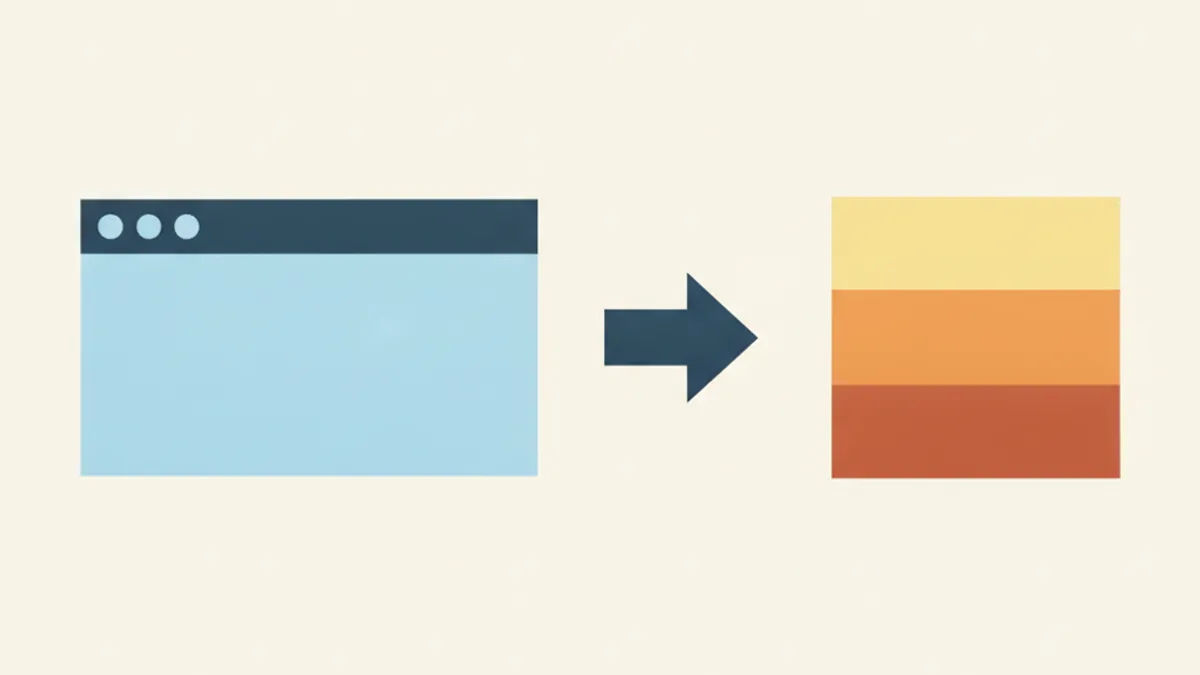
Your phone's home screen can feature an icon that isn't linked to an installed app. It opens like a regular app, works without a network connection, and doesn't take up hundreds of megabytes. This isn't a workaround, but a standard browser feature.
What it is
A PWA is a website that a browser can save to a device and launch as a separate window, without an address bar or tabs. Technically, it is still a web page; visually and in terms of feel, it is an application.
This works thanks to two things. A manifest describes the application's name, its icon, and the mode in which the window should open. A service worker is a small program that saves the application files on the device and serves them the next time it is opened, including when offline.
How it differs from an app store application
| App Store | PWA | |
|---|---|---|
| Installation | Downloading, usually 50–200 MB | Adding an icon, a few megabytes |
| Updates | Separate download | Upon opening, automatic |
| Camera access | Yes | Yes, with browser permission |
| Offline work | Yes | Yes, if provided by the developer |
| System integration | Full: Health, sensors, background | Limited |
| Store dependency | Full | None |
The last point is not a minor detail. An application can disappear from a store for reasons unrelated to product quality, and the user only finds out when they switch phones. A web version does not depend on this: it has an address, and it works.
How to add it to the home screen
iPhone and iPad. Open the site in Safari, tap the "Share" button (the square with an upward arrow), and select "Add to Home Screen." An important detail: until recent versions, only Safari could do this—Chrome on iOS did not have this option. If you cannot find it, check which browser you are using to open the site.
Android. Chrome usually offers this automatically—a bar saying "Install app" appears at the bottom. If it does not appear or you closed it, the same option is in the three-dot menu: "Install app" or "Add to home screen."
Computer. In Chrome and Edge, an installation icon appears on the right side of the address bar. The application opens in a separate window and is added to your list of programs.
What a PWA can do
- Camera. Shooting and selecting from the gallery work the same way as in a regular app—based on a permission that the browser asks for once.
- Offline work. The interface and local data are available in airplane mode. What exactly works offline in a calorie tracker is analyzed separately.
- Data storage. Without signing in, the journal lives in browser storage. After signing in, entries sync between devices; settings remain in the browser.
- Push notifications. Available on Android for a long time; on iOS, starting with version 16.4, released in March 2023, and only for sites added to the home screen.
- Full-screen mode. Without an address bar, with its own icon in the task switcher.
What it cannot do
The limitations are real, and it is worth knowing them before making a choice.
Deep system integration. Writing to Apple Health or Google Fit, reading data from a watch, or home screen widgets—these are not available.
Background activity. An app store application can perform tasks while closed. A PWA cannot, or can do so only to a very limited extent.
Guarantee that data will not be erased. The operating system has the right to clear browser storage if it runs out of space. In practice, this is rare, but data that cannot be lost should be exported to a file or kept in an account.
Presence in store search. A person searching for an app in the App Store will not find a PWA there—only via an address or a link.
Why services choose this
Three reasons, and none of them are about technology.
First: one codebase instead of three. Instead of a web version, an iOS app, and an Android app, only one is developed and updated.
Second: store commissions on in-app purchases. This significantly affects the price the user ultimately pays.
Third: no moderation between a fix and the user. A bug in an app store application persists until an update is approved; in the web version, it persists only until the page is next opened.
The second path: a messenger bot
A neighboring solution to the same task is to install nothing at all. A bot in a messenger accepts a photo in the same way you send a snapshot to a contact and replies with text.
The advantages are obvious: nothing needs to be added to the screen, and it works on any device that has the messenger. The disadvantages are also clear: no custom interface, no convenient diary, and the correspondence with the bot is stored according to the messenger's rules, not the service's. For a one-time check, a bot is more convenient; for regular tracking, it is not.
How to tell if you are looking at a PWA
Open the site in your phone's browser and see if it offers to be added to the screen. If it does, it has a manifest. Then, check offline: open it once, turn on airplane mode, and open it again. If it works, it has a service worker.
Both checks take half a minute and tell you more about the product than the description on the page.
Frequently asked questions
- How does a PWA differ from a regular app?
- It is a website that the browser saves to your device and launches in a separate window. It takes up a few megabytes instead of tens, updates automatically, and does not depend on an app store, but it lacks full system integration.
- How do I add a website to my iPhone home screen?
- Open it in Safari, tap "Share," and select "Add to Home Screen." Third-party browsers on iOS did not have this option for a long time, so if you cannot find it, check which browser you are using to open the site.
- Do notifications work in a PWA?
- On Android, yes, they have for a long time. On iOS, they work starting from version 16.4, released in March 2023, and only for sites added to the home screen.
Read next
- Can you count calories without the internet — The answer varies depending on the part of the application.
- Calorie counting apps: how they work and where they go wrong — A calorie counter looks like a calculator, and people expect calculator-like precision from it.
- How a neural network recognizes food in a photo — A photo of a plate turns into a number on the screen in a few seconds, and from the outside, it looks like a measurement.
This article is for general information. It is not medical advice, a diagnosis, or a prescription for treatment or a diet, and it does not replace a consultation with your doctor. If you have a health condition, are pregnant, take medication, or follow a diet prescribed to you, decisions about food belong with your doctor.
Figures from regulations, guidelines and studies are given as they stood when this article was prepared and may since have changed; check them against the primary sources. This article is not advertising, an offer, or individual advice, and neither the author nor the site owner is responsible for decisions taken on the basis of it.